What is an SSL certificate and why does your website need one?
Learn how HTTPS and SSL certificates protect communication between visitors and your website.

2 min read
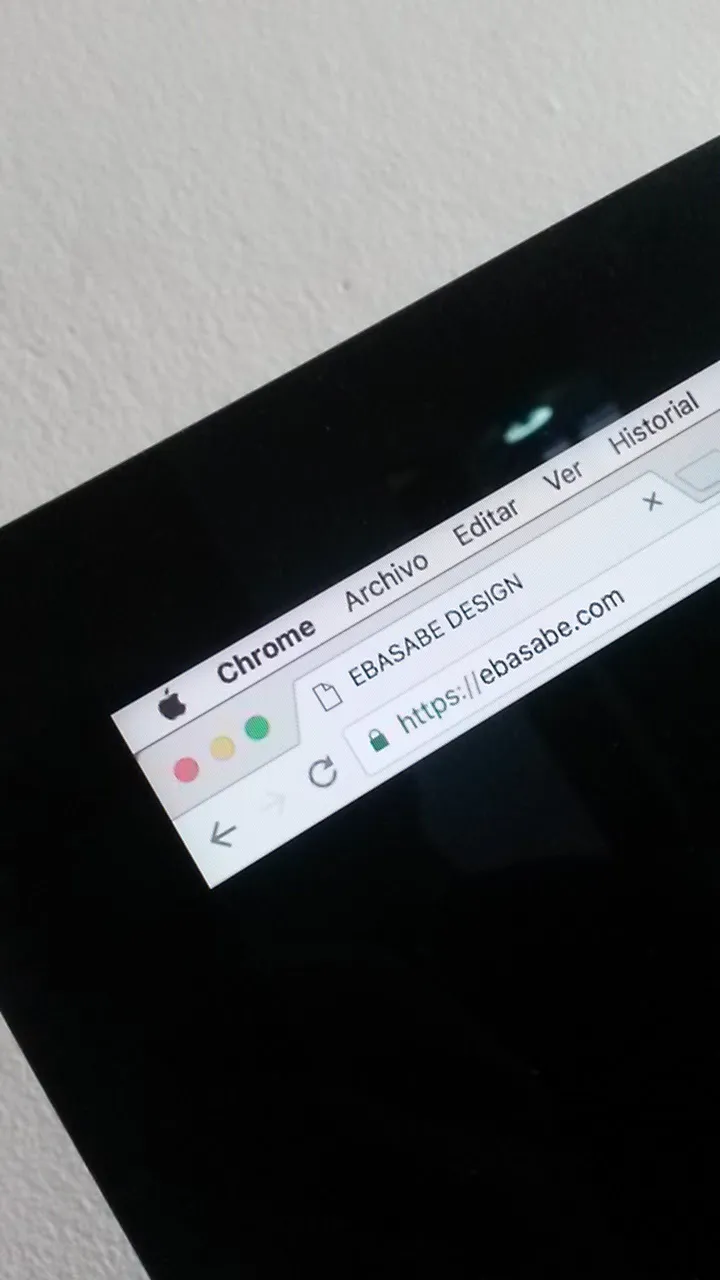
When you visit a website, your browser exchanges information with the server where it’s hosted. Depending on the site, that information may include what you enter in a form, your login details, or the details of a purchase.
That’s why it’s important to protect that communication.
What does an SSL certificate do?
An SSL certificate helps establish a secure connection between the browser and the website. Today a newer technology called TLS is used, although many people still use the name “SSL certificate.”
When a site is properly configured with this certificate, it can use HTTPS in its address. This encrypts information as it travels between the browser and the server, making it harder for someone to read or modify it along the way.
What about the padlock?
For a long time, browsers showed a padlock, sometimes green, to indicate that a connection used HTTPS. Its appearance has changed over the years and can vary depending on the browser.
The important thing to understand is that an encrypted connection does not guarantee that the site or its owner is trustworthy. Even a fraudulent page can use HTTPS. That’s why it’s always a good idea to check the site’s address and be careful before sharing personal information.
Does my website need one?
Yes. Even if your site doesn’t have an online store, it’s important to protect communication with its visitors. This is especially relevant if it has forms, registered users, or any feature that allows information to be submitted.
Many hosting providers offer certificates and help with their setup. In addition to installing them, it’s important to keep them valid and check that the site loads correctly over HTTPS.
A certificate is an important part of your site’s security, but it isn’t the only part. We also need to protect access, keep the site updated, and maintain backups.
If you’d like to learn more about how this technology works, you can read the MDN documentation on TLS.
- security
- websites
- https